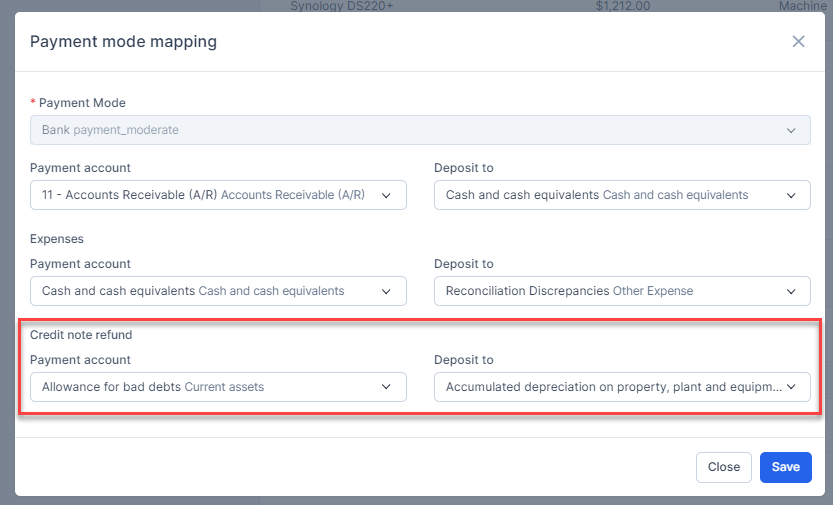
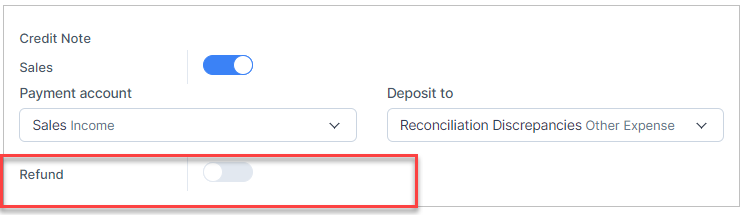
Step 1. Enable the Credit Note Refund mapping and Payment Mode Mapping

Step 2. In the credit note page detail -> Click on the More -> click on the Refund button.
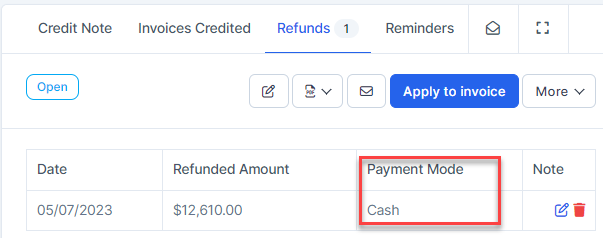
If the credit note refund meets the conditions of payment mode mapping, the mapping will be prioritized according to Payment mode mapping
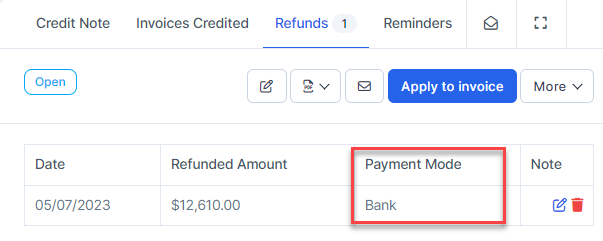
Otherwise, credit note refund will be mapped according to Credit note refund mapping
NOTE: If the Credit note refund mapping is disabled, credit note refund cannot be mapped to account.
Delete Credit Note Refund
- Step 1. Go to the credit note page detail -> Select the Refunds tab -> click on the Delete button

Result: this credit note refund is removed from the report and related accounts.