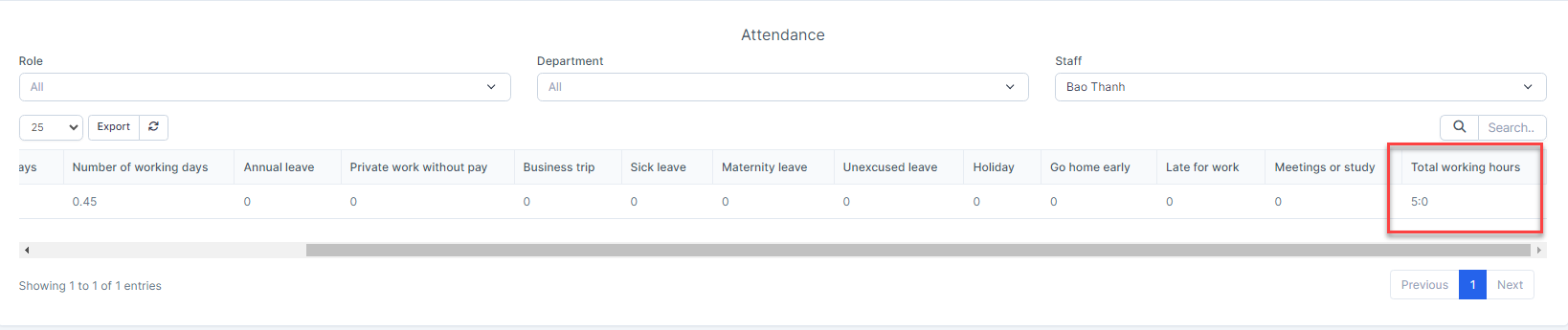
Edit and Close Attendance

If you are an admin, you can edit and close the timesheet.
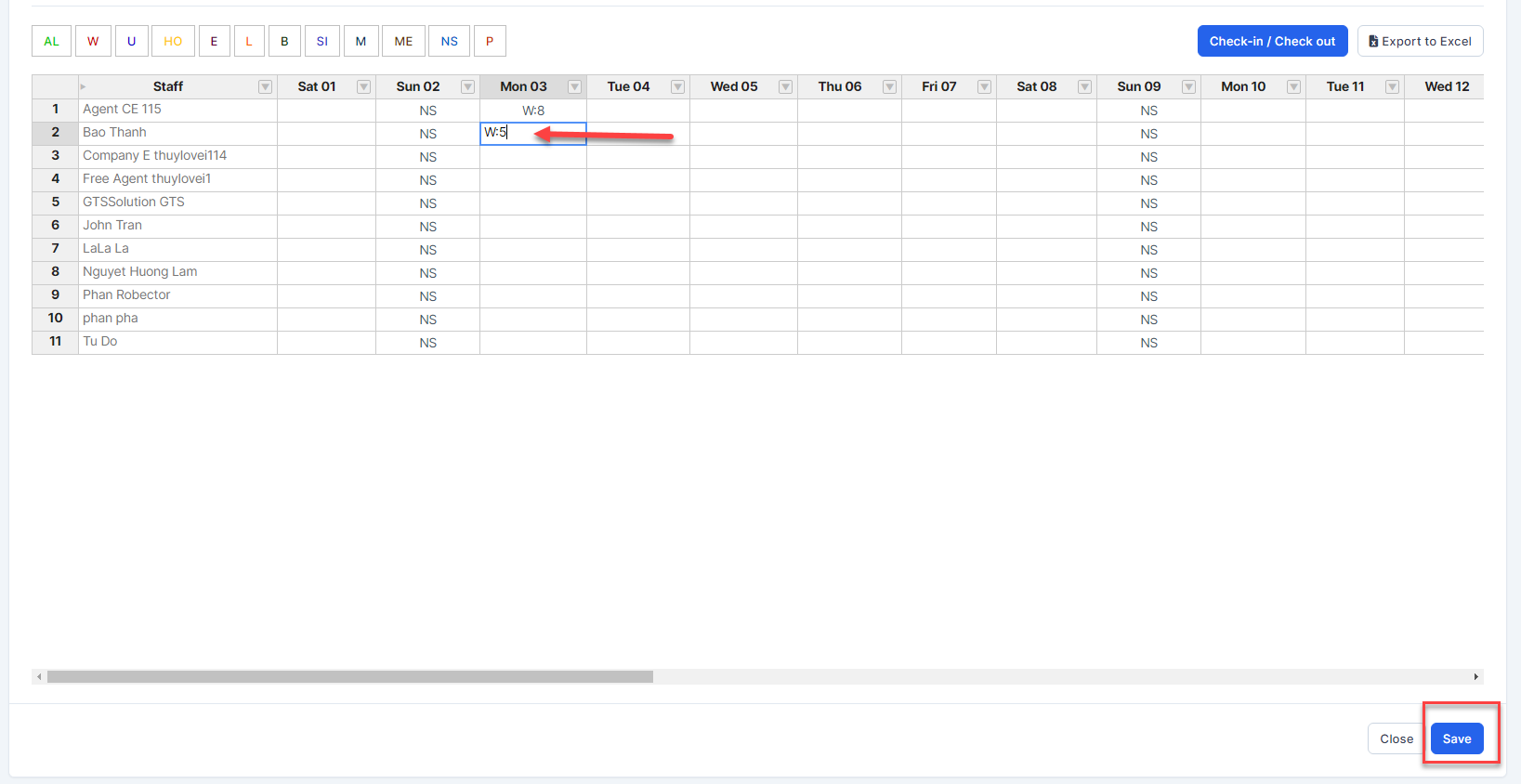
Edit button: used to edit employee working hours
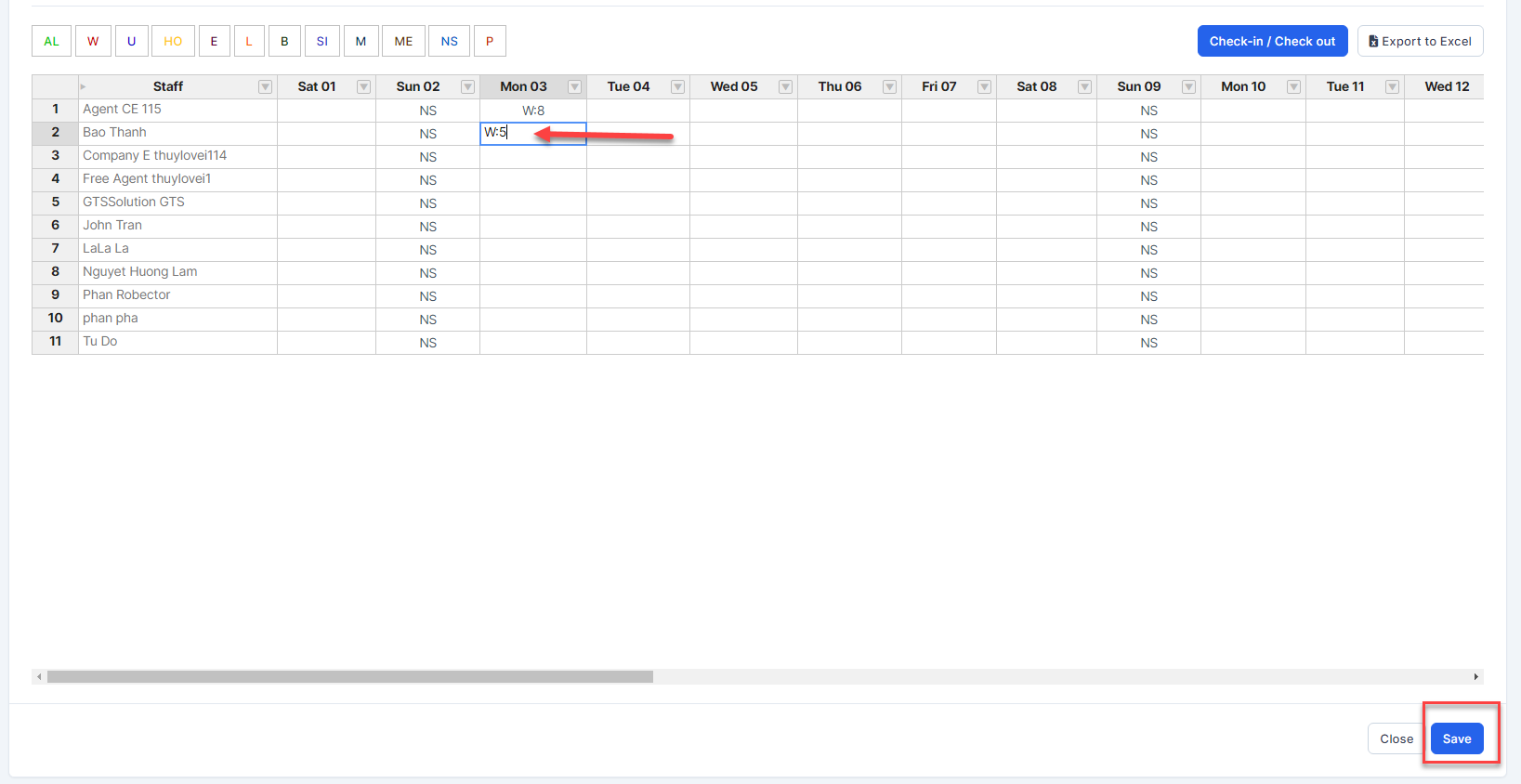
Close attendance button: close the timesheet of each month. Even though the timesheet has been closed, the system still records the employee's working time when they timekeeping.
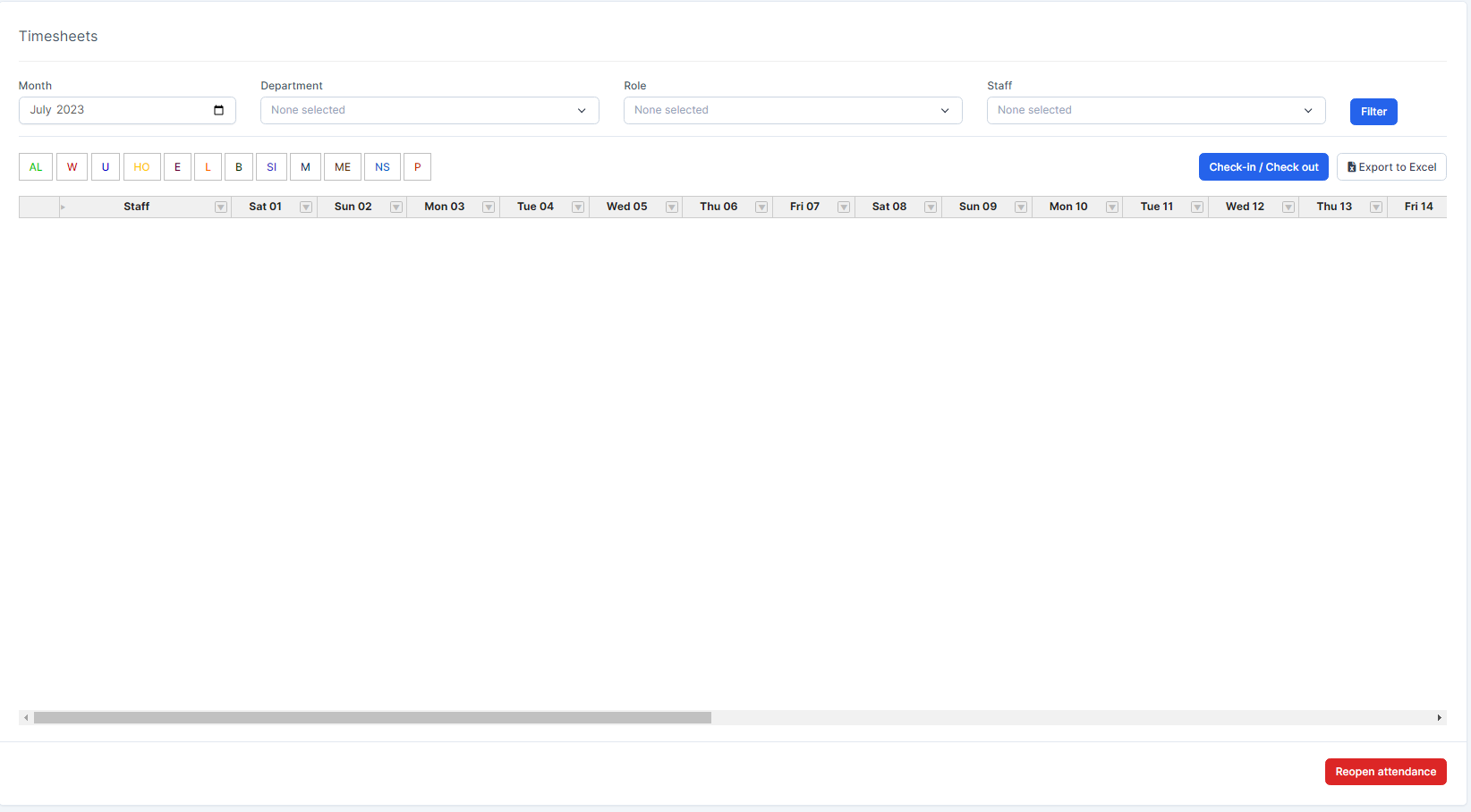
Reopen attendance: click this button to display the timesheets. 

Did you find this article useful?

  • Permission

    Users can access the modules based on their permission.  Admin: has unrestricted access to all ...
  • Type of Leave

    Used to create leave types not available in the Timesheets & Leave module. This data w...
  • Timesheets Settings

    Setting timekeeping according to Manual or Task or import csv/xlsx file and select the roles to appl...
  • Setting

    Set the methods related to attendance, Google Map API key, configure the start month ...
  • Norms of Leave Setting

    Used to configure the maximum number of leave days in the year and manage the remaining leave of all...