Grant Leave-View or Leave-View (Global) permission to employees
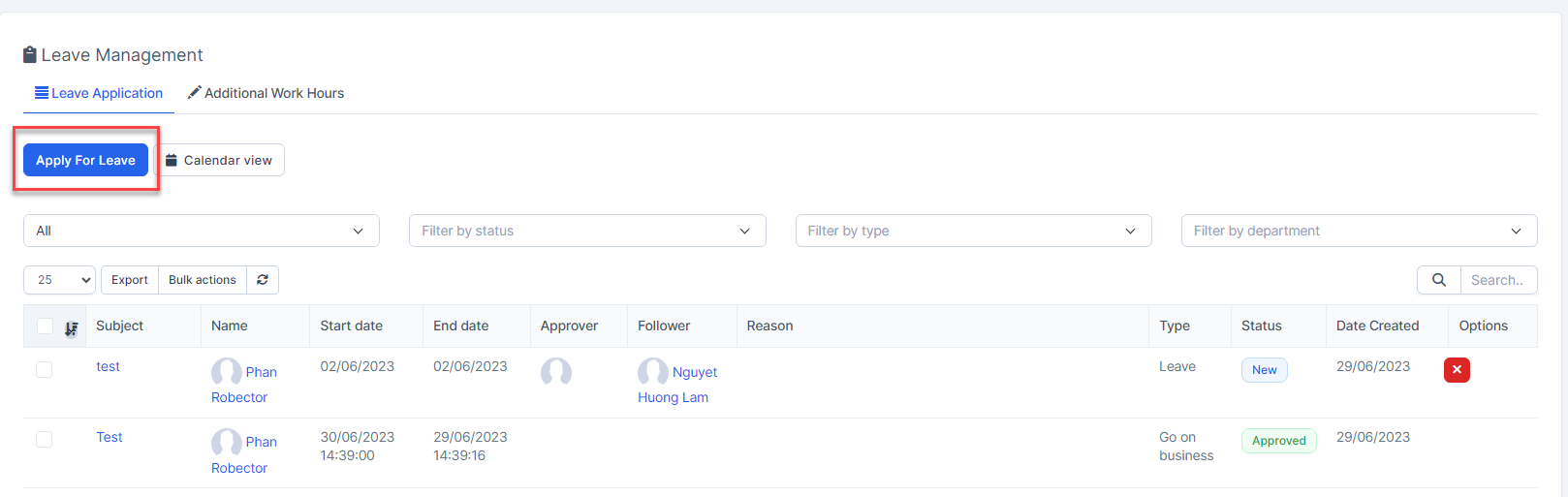
- Step 1. Go to Leave menu under Timesheets & Leave module from the left sidebar -> click on the Apply For Leave button.
- Step 2. In the Apply For Leave popup, fill in the following details:
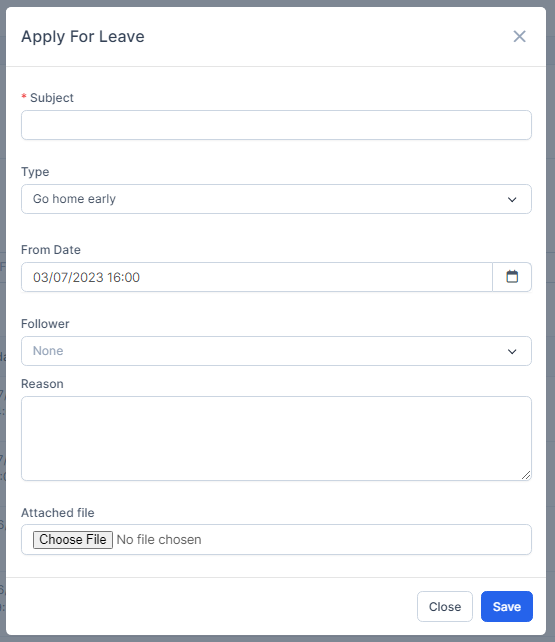
1. Enter the Subject
2. Select the type is Go home early
3. Enter the From Date: time to go home early
4. Select the Follower
5. Enter the Reason
6. Upload the attachment file.
- Step 3. Click on the Save button
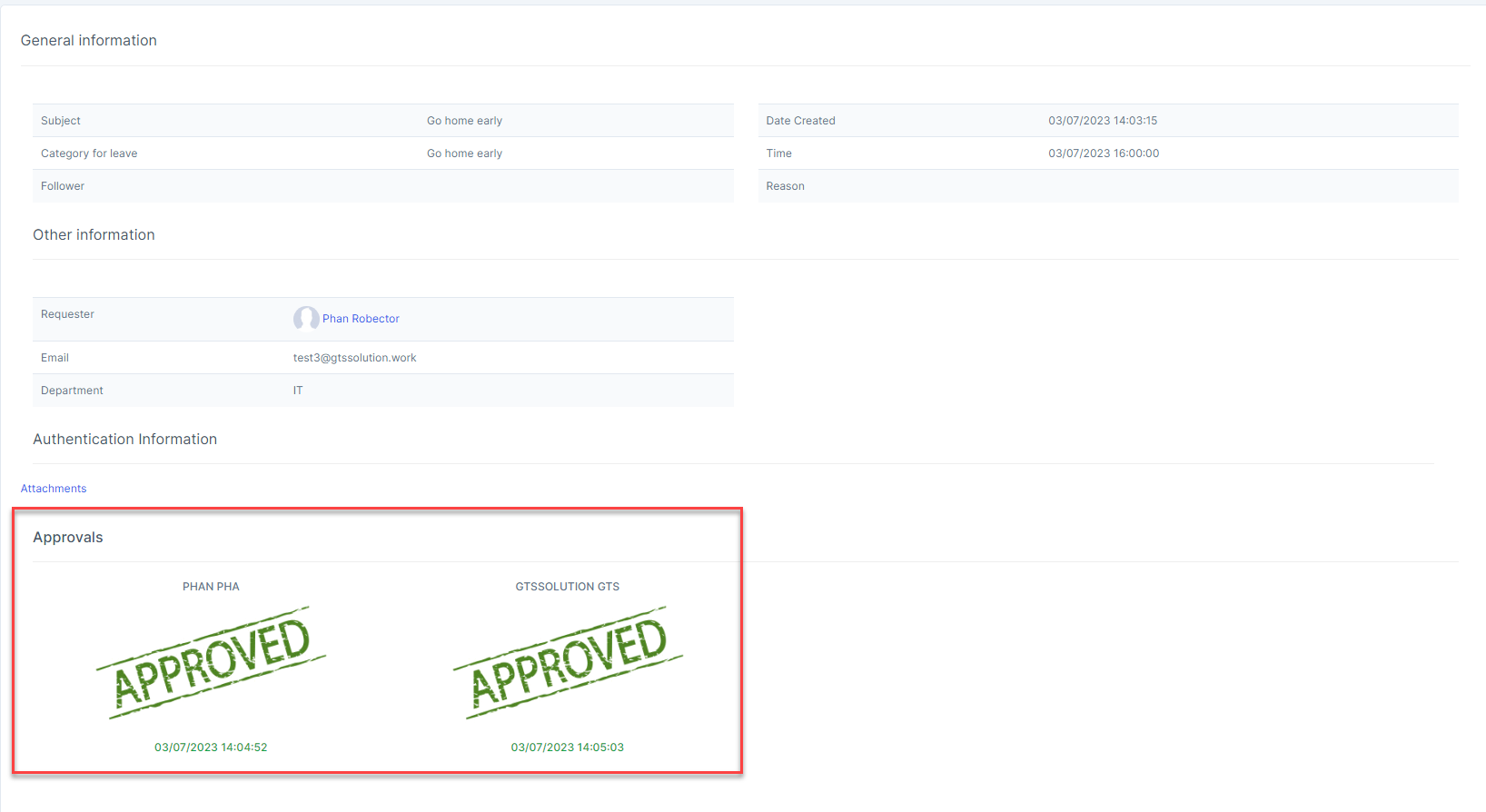
- Step 4. Approve this request ( if any)
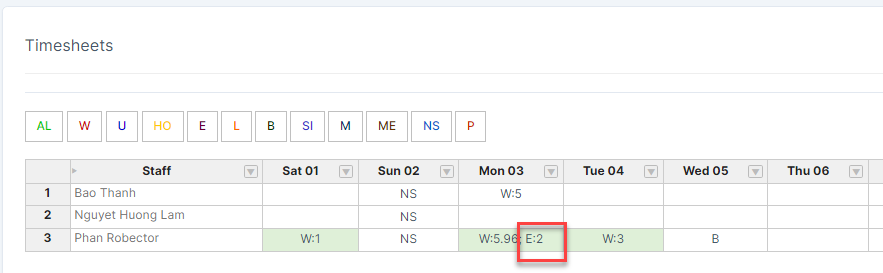
the symbol "E" is displayed on the timesheet.