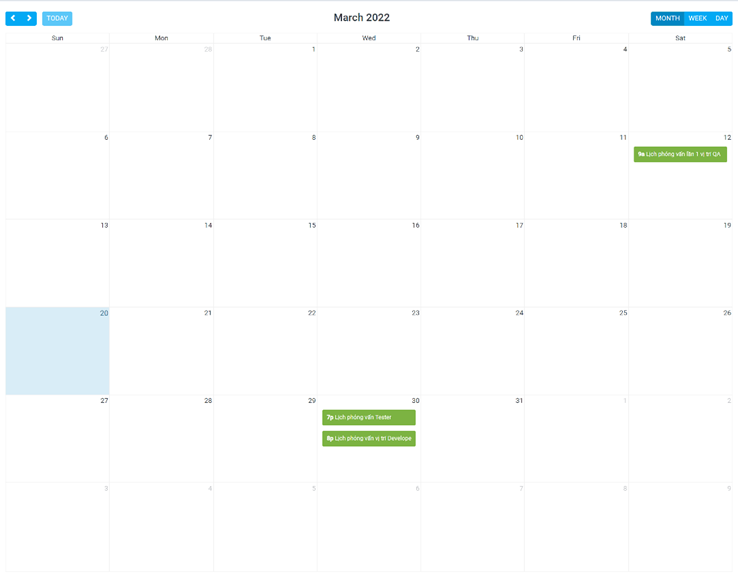
The interview schedule will be displayed in the candidate profile details - in the Interview Schedule section of the Recruitment History tab.
Create Interview Schedule
- Step 1. Go to Interview schedule menu under Recruitment module from the left sidebar -> click New interview schedule button.
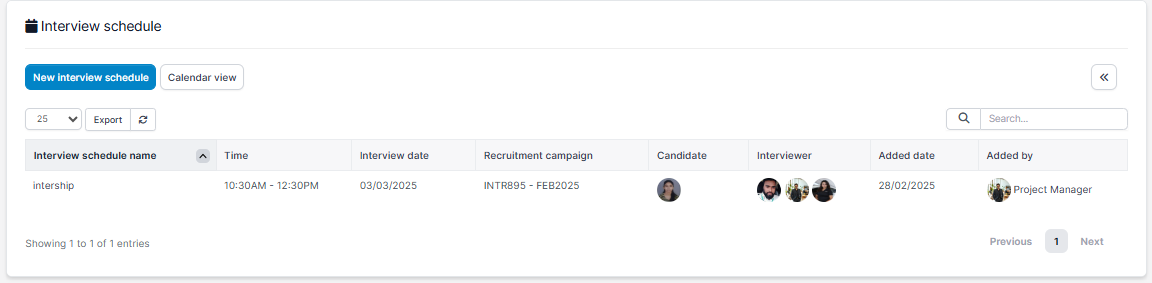
- Step 2. In the New interview schedule page, fill in the required details:
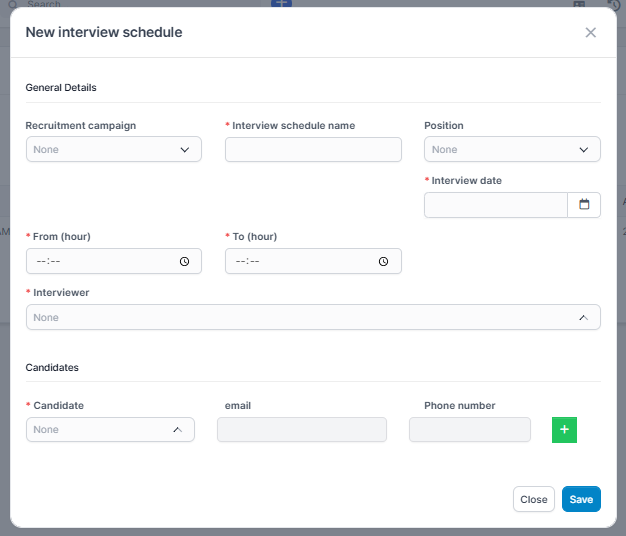
- 1. Select the Recruitment campaign
2. Enter the Interview schedule name
3. Select the Position
4. Enter the Interview date
5. Enter the From (hour) and To (hour)
6. Enter the Interview location
7. Select the Interviewer
8. Select the Candidate
9. Enter the From (hour) and To (hour)
10. Click to add a candidate - Step 3. Click Save button
Edit Interview Schedule
- Step 1. Select the interview schedule need to be edited and click Edit
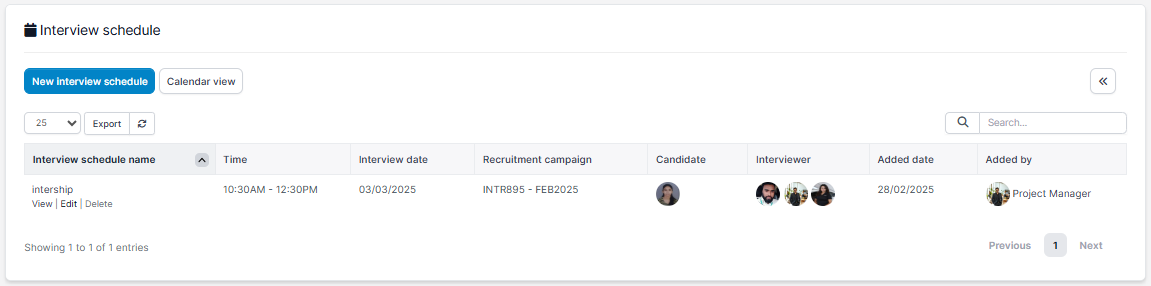
- Step 2. Make the necessary changes and click Save button.
Delete Interview Schedule
- Step 1. Select the interview schedule need to be deleted and click Delete button.
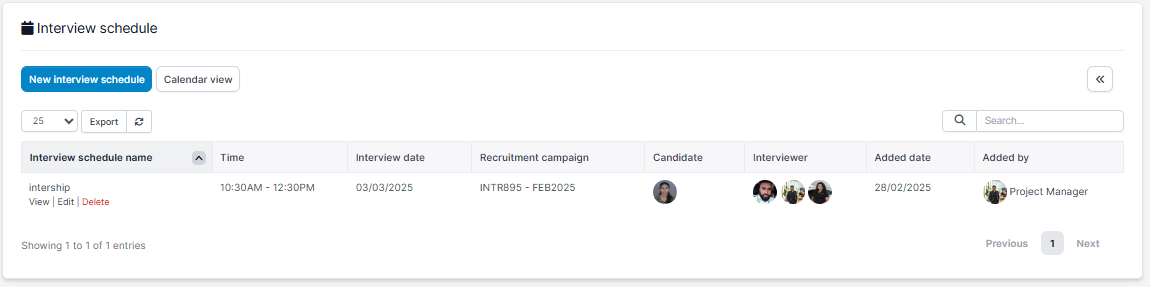
- Step 2. Confirm your selection in the following pop-up. The recruitment channel will be deleted.
Interview Schedule Detail
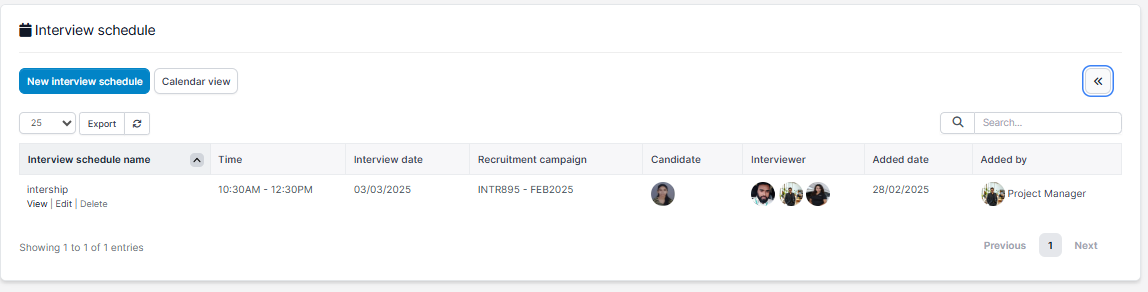
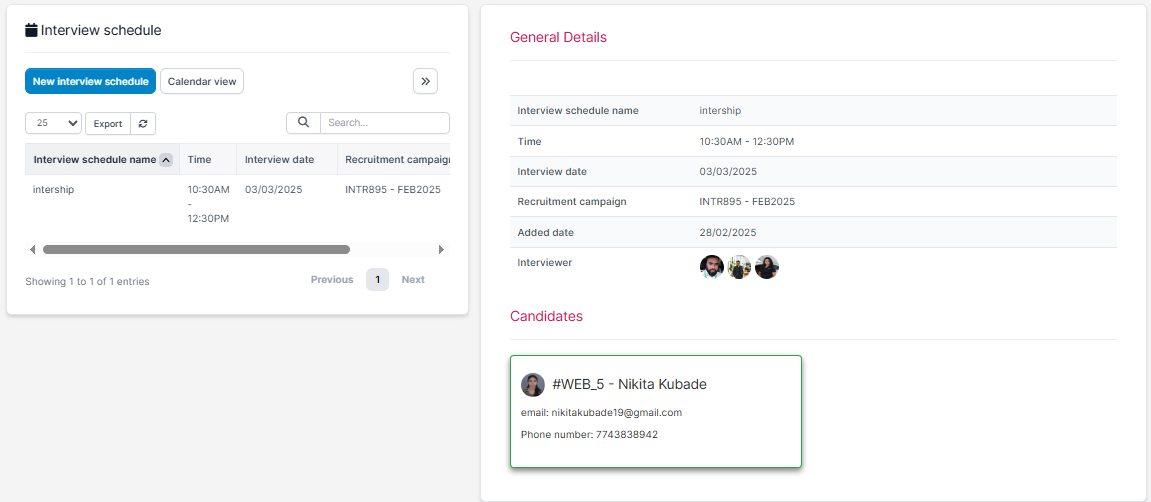
Select the Interview Schedule and click View button.
General info tab
Interview Comments tab
Used to add comments to the interview. Only those selected to interview will have the right to see the interview data and can comment. Interviewers included in an interview will see each other's comments. Only the admin has the right to delete all comments, the rest, whoever created the comment has the right to delete it.
Calendar
You can also create a new interview schedule by click on the date and proceed to enter the data.