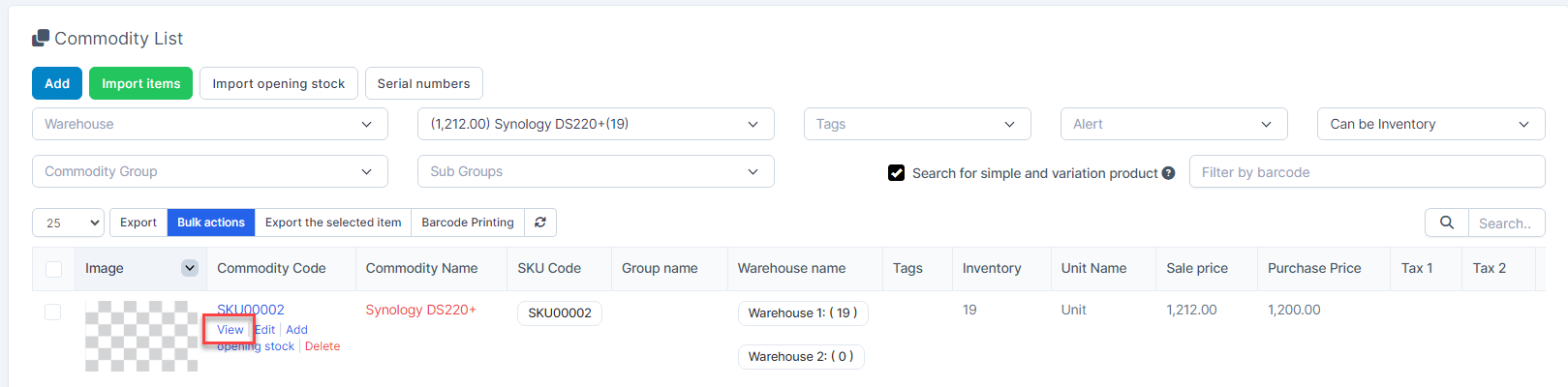
- Step 1. Go to the Inventory module in the left sidebar and select Items menu
- Step 2. Hover over the item and click View
In the Item Detail page:
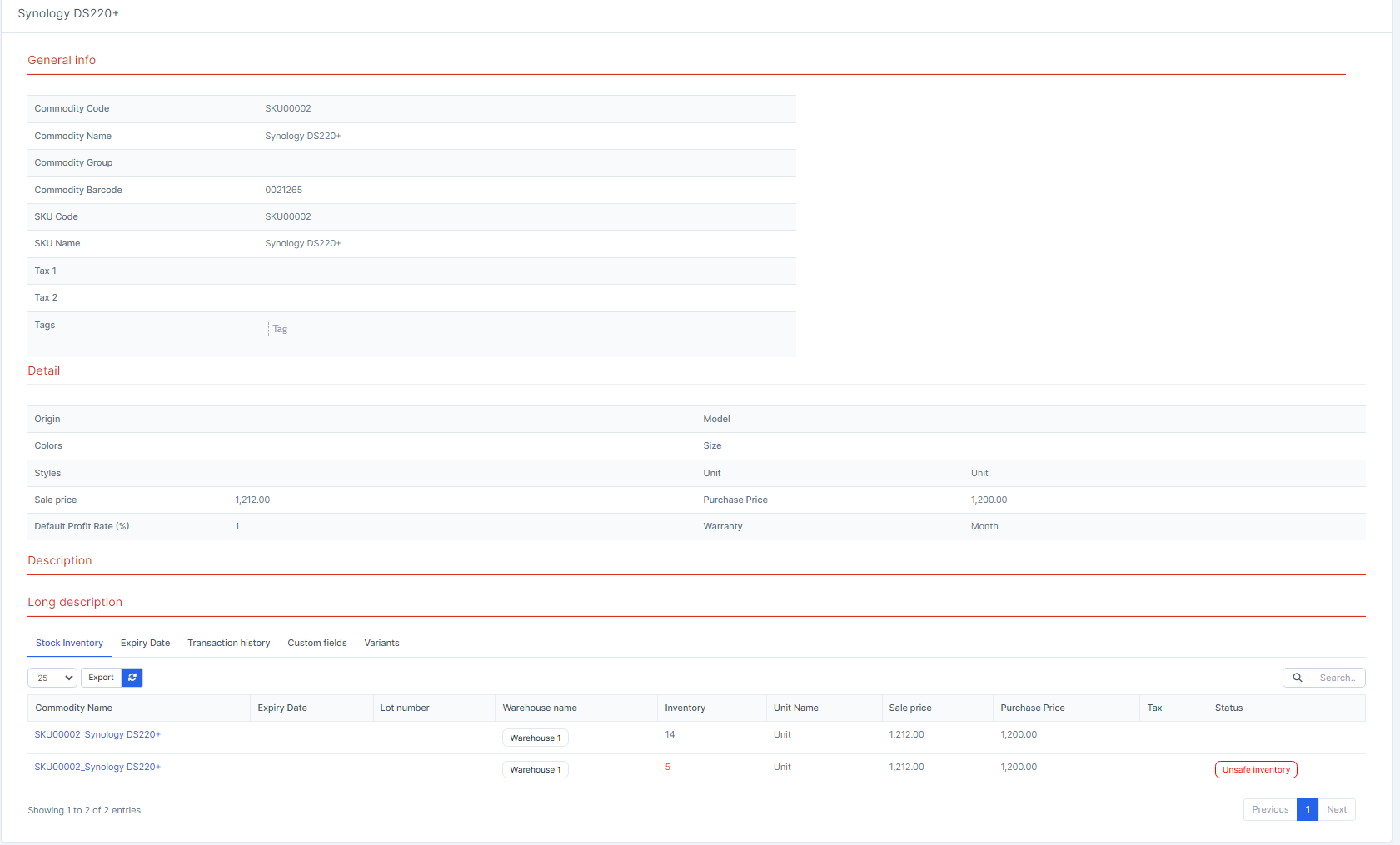
- General info : displays the information entered in the General info tab in the Add Items form
- Detail: Displays the information entered in the Properties tab in the Add Items form
- Description: data is entered in the Description field at the General info tab in the Add Items form
- Long Description: the data is entered in the Long description field in the Properties tab in the Add Items form.
- Stock Inventory tab: display product inventory by warehouse, Lot number, Expiry date.

Expiry Date tab: displays expired products if the Expiry date is entered when entering the warehouse for the product

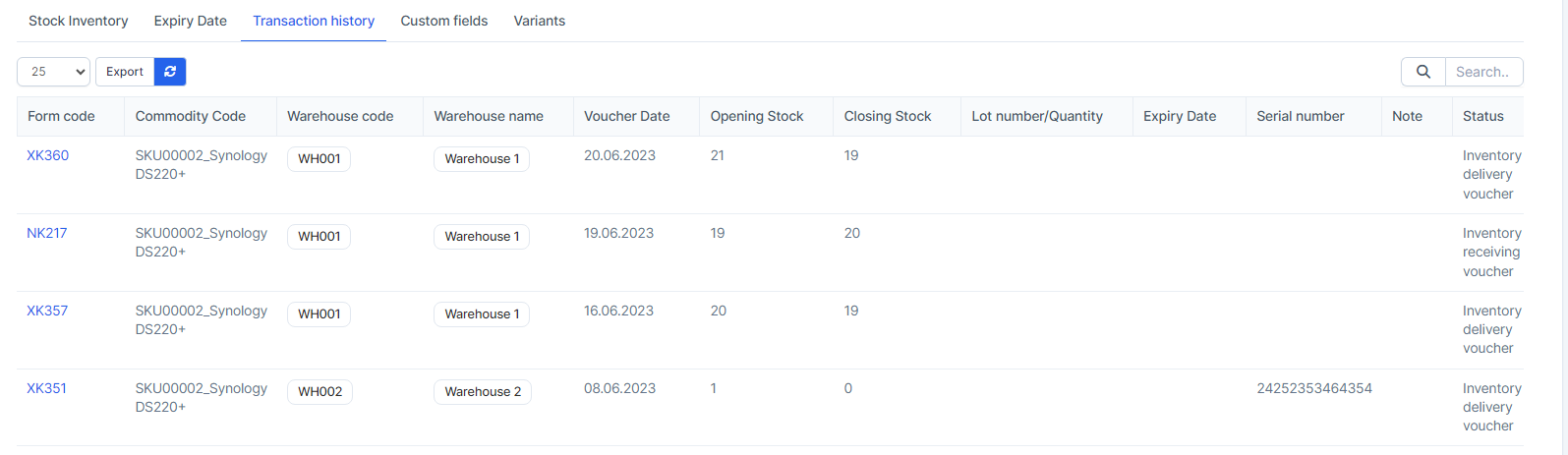
Transaction history Tab : record the history of inventory import, export, warehouse transfer, inventory adjustment, display beginning inventory, ending inventory through each transaction.
Custom fields tab: display the custom fields of the item.

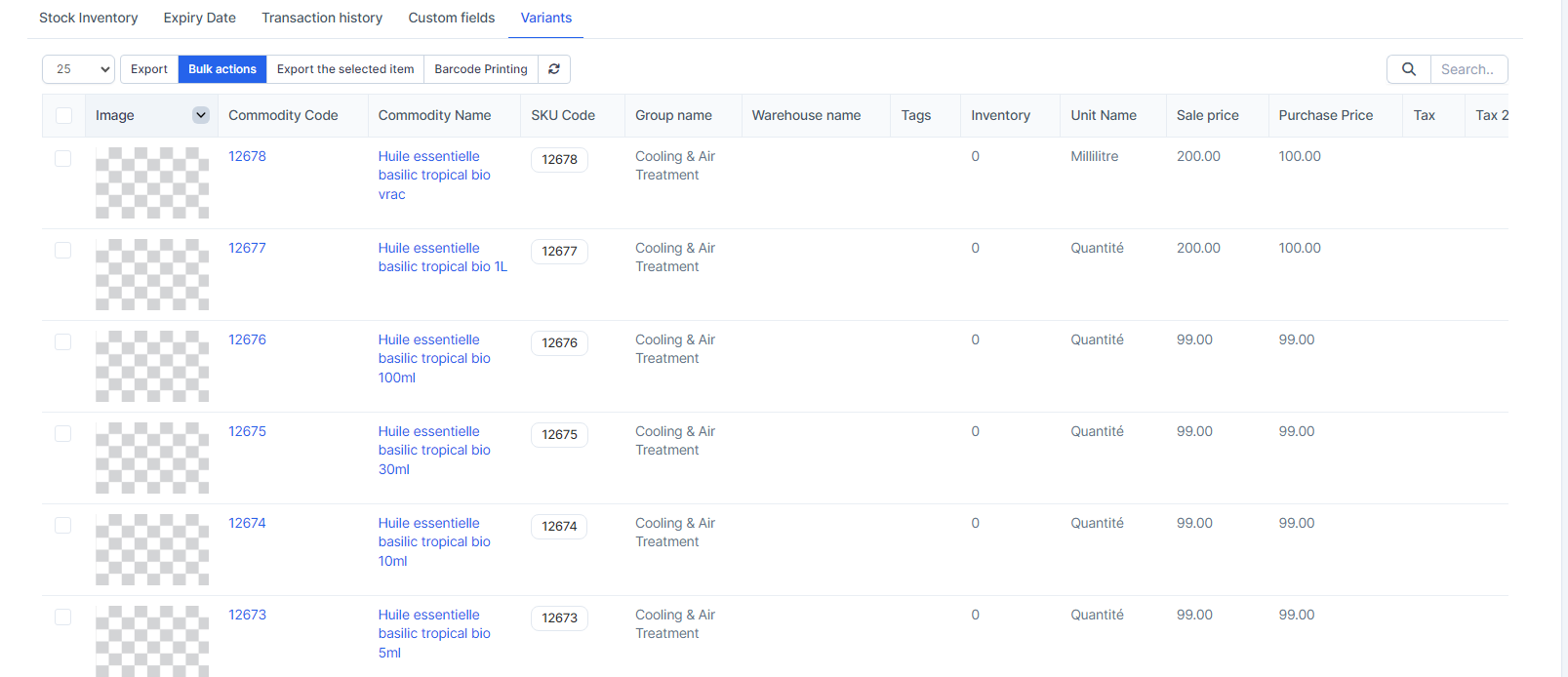
Variants tab: display product variations