Lead Activity Log

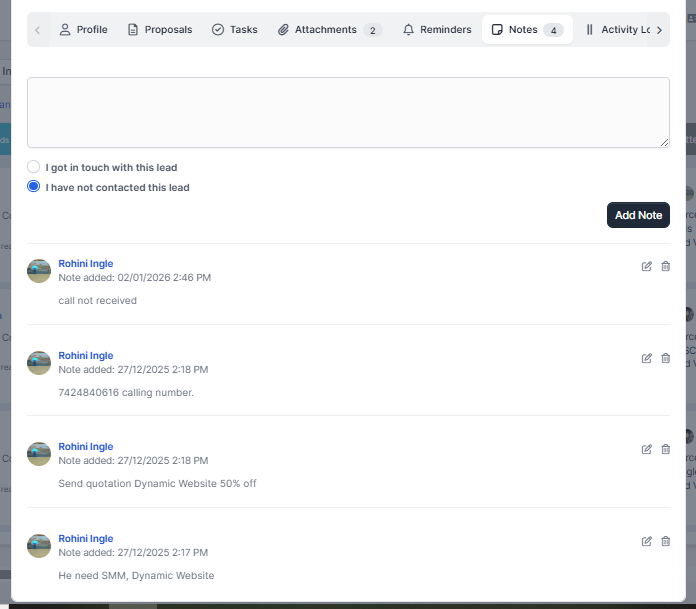
To track lead activity open a lead modal and click on the Activity log tab.

All importand actions will be saved as activity log for this lead.

When activity will be logged for specific lead?

  • After lead is created.
  • When making a note and click contacted today an activity will be logged that you contacted the lead on specific chosen date from the calendar.
  • Added attachment.
  • Attachment deleted.
  • When lead is assigned to staff member.
  • When lead status is changed from kanban with drag and drop or manualy from the modal.
  • Lead marked/unmarked as lost
  • Lead marked/unmarked as junk

Did you find this article useful?

  • Import Leads From WordPress Contact Form 7

    WPSCRM has the ability to import/capture leads from the most popular contact form (and any...
  • Setup Web to Lead Form

    WPSCRM Web to Lead feature allow you to build a web form based on leads fields and custom fields...
  • Create New Lead

    Navigate to leads view from the main menu on the left side and click on the button new lead. You ca...
  • Lead Sources

    You will always need a way to know from where you got the lead. Go to Setup -> Leads -...
  • Lead Statuses

    You can easily customize leads statuses so they can fit into your workflow. To add new lead stat...