Manual check-in/check-out

Step 1. Select the Manual Timesheets at Timesheets setting
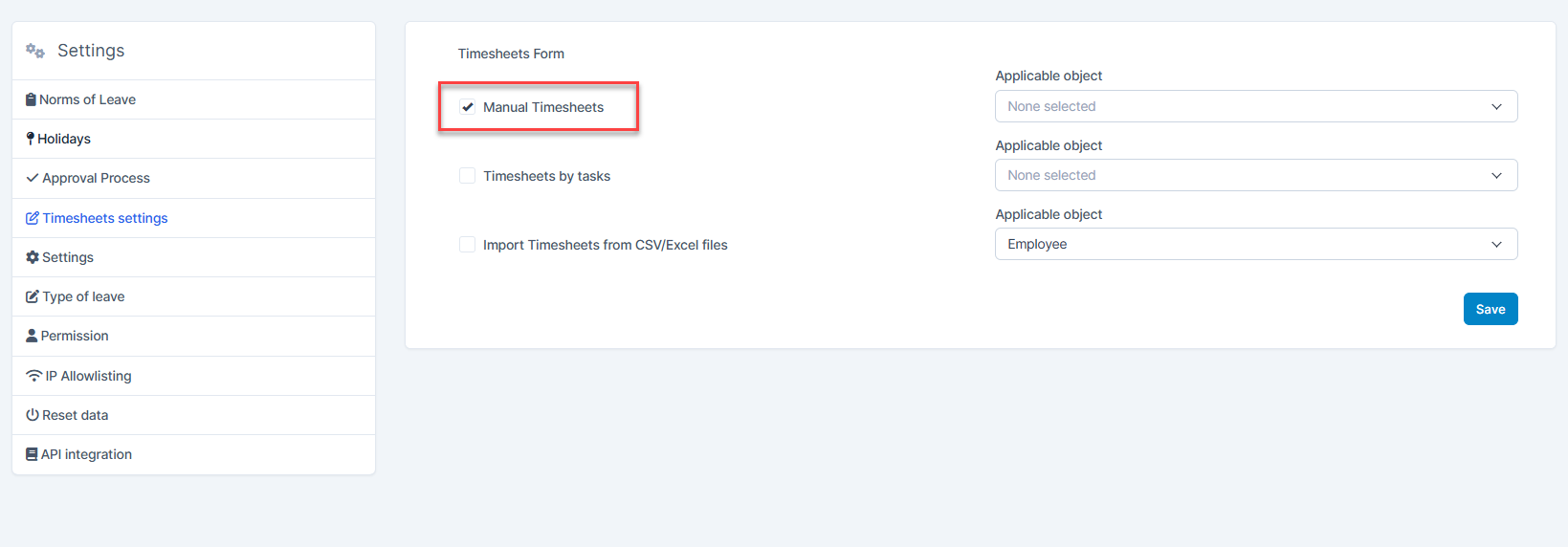
  • Step 2. Create shift category and shift for employee 
  • Step 3. Go to Attendance menu and select Check-in / Check-out
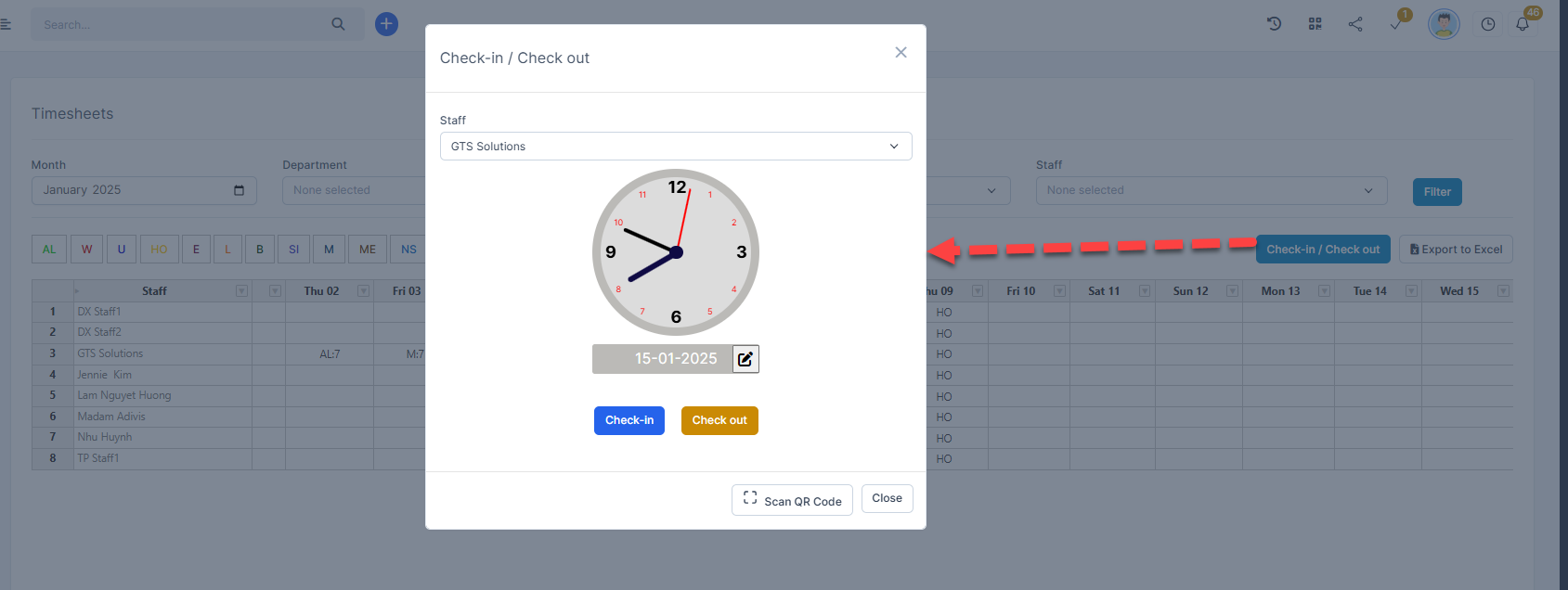
Or click on clock > select date time and select Check-in or Check-out
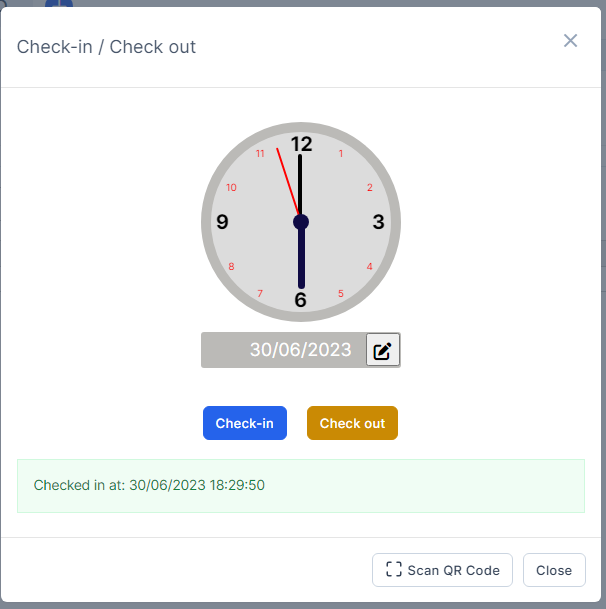
Or check-in and check-out by scan QR code. See related articles at: 

https://wpscrm.com/knowledge-base/article/check-in-out-by-qr-code-part-1

https://wpscrm.com/knowledge-base/article/check-in-out-by-qr-code-part-2

Did you find this article useful?

  • Permission

    Users can access the modules based on their permission.  Admin: has unrestricted access to all ...
  • Type of Leave

    Used to create leave types not available in the Timesheets & Leave module. This data w...
  • Timesheets Settings

    Setting timekeeping according to Manual or Task or import csv/xlsx file and select the roles to appl...
  • Setting

    Set the methods related to attendance, Google Map API key, configure the start month ...
  • Norms of Leave Setting

    Used to configure the maximum number of leave days in the year and manage the remaining leave of all...