Balance for customer
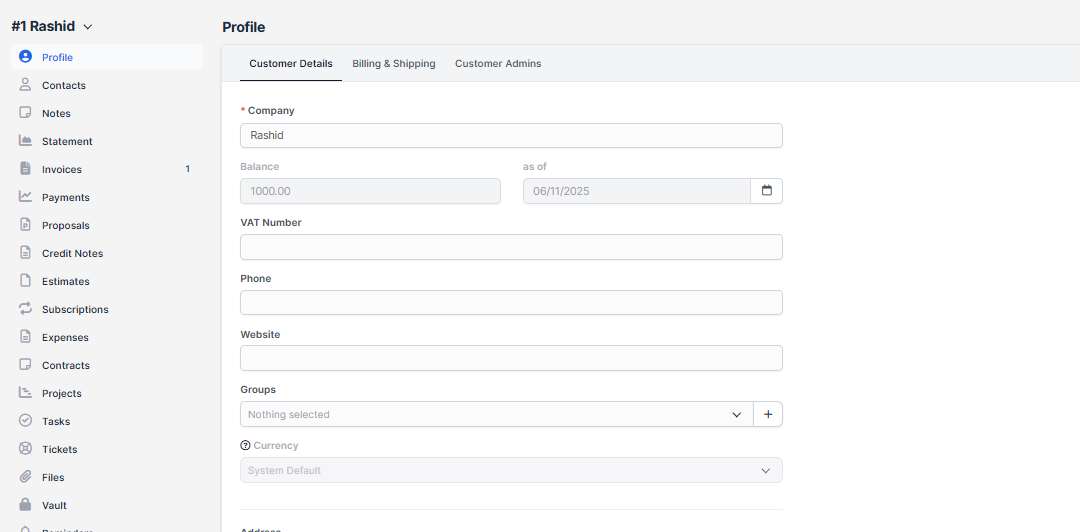
- Step 1. Go to Customer menu from the left sidebar
- Step 2. Enter the Balance and as of at Profile menu
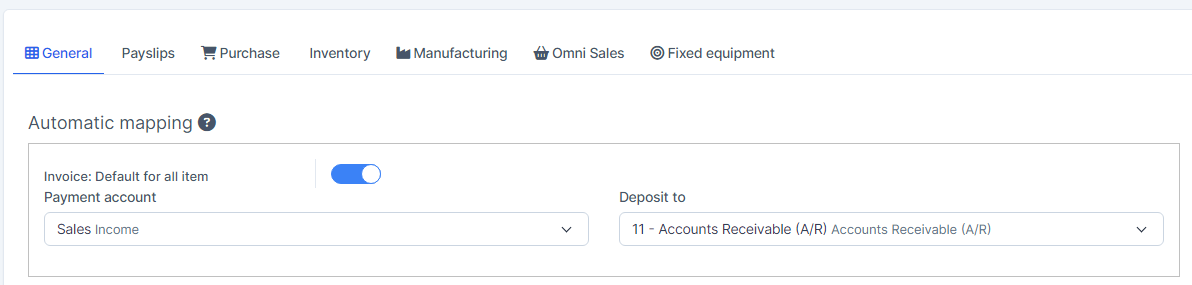
The customer's balance is mapped to the account according to the Sales invoice mapping
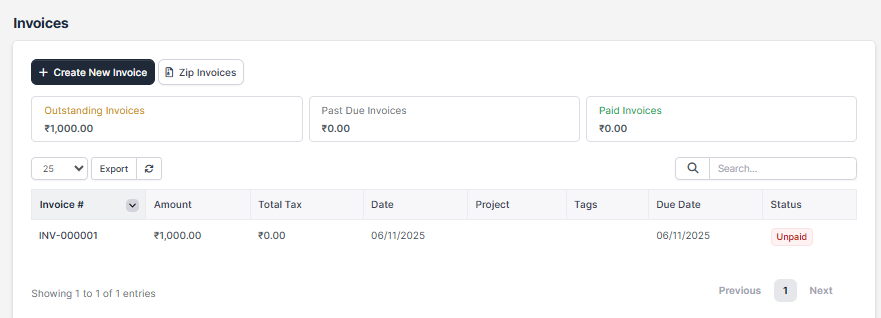
Step 3. The system automatically creates a Sale Invoice corresponding to this balance.
Balance for vendor
- Step 1. Go to vendor detail -> Enter Balance and as of -> click Save
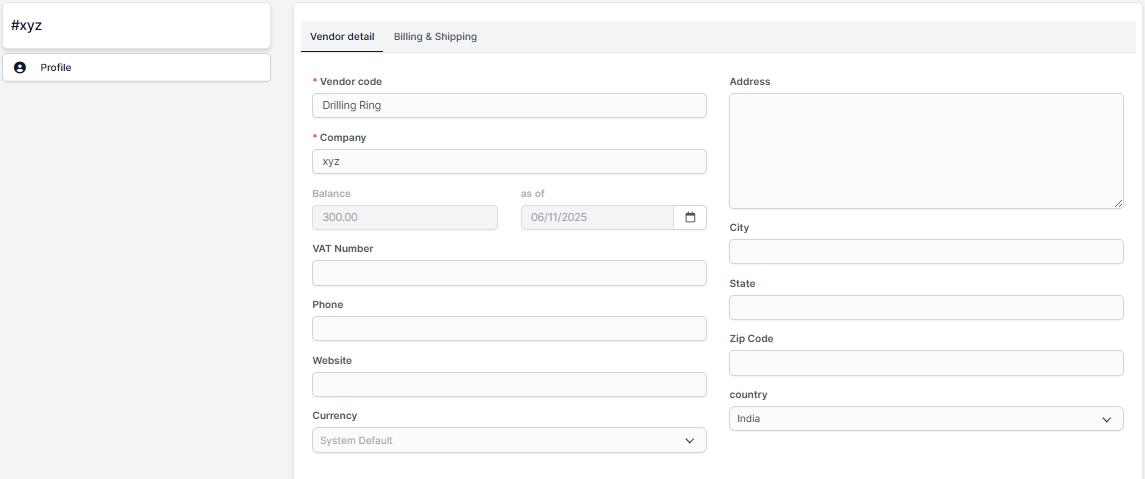
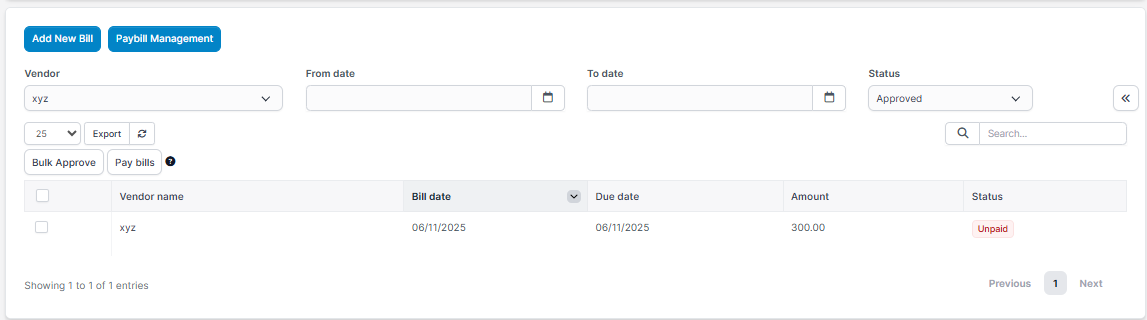
Step 2. The system automatically creates a bill corresponding to this balance
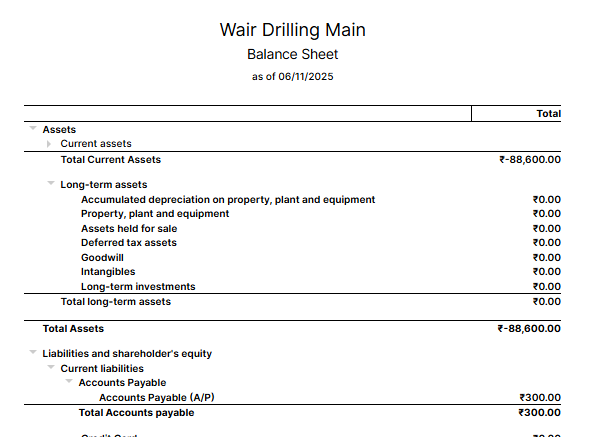
NOTE: If you delete a bill or sale invoice, you will not be able to re-enter the balance for these vendor or customer.