In order to make the proposal process creation easier, in WPSCRM you can create predefined HTML templates that can be used each time a proposal is created.
Create proposal template
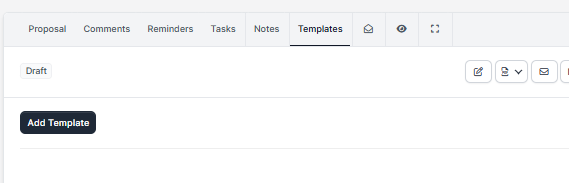
You can create a proposal template while viewing the contract by clicking on the Templates tab and then click on the Add Template button.
- Click the Templates tab.
- Click Add template.
- Enter the Template title that you can use to easily recognize what kind of template is.
- Use the editor to add predefined template content.
- Click Save.
Insert template
Once you created the template, you will be able to use and insert them into the editor content easily.
While on the Templates tab, for the template you want to insert, click the Insert button, the template content will be automatically injected into the proposal editor.