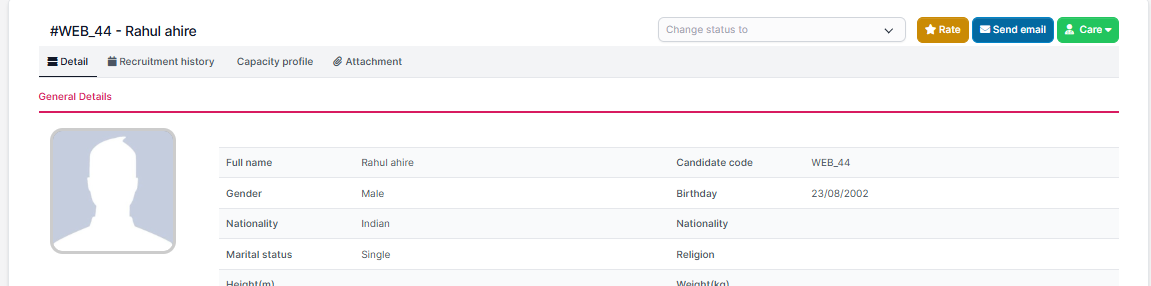
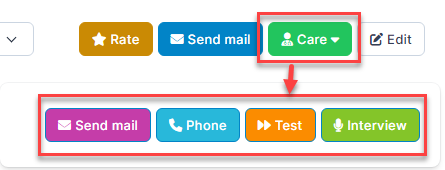
- Step 1. Go to candidate detail -> click Care button.
- There are 4 options: Send mail, Phone, Test, Interview.
Interaction history with candidates will be saved in Recruitment history tab
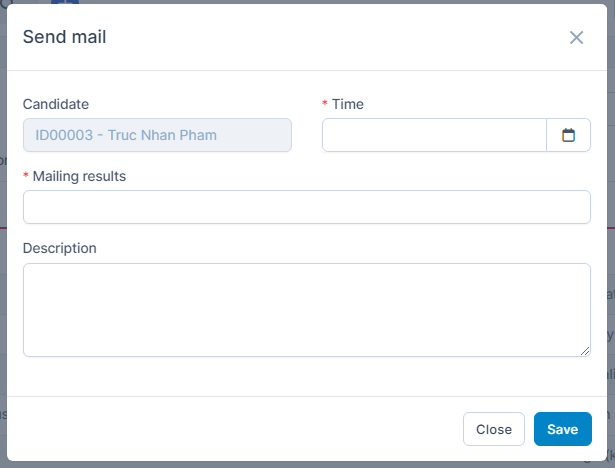
- Send mail
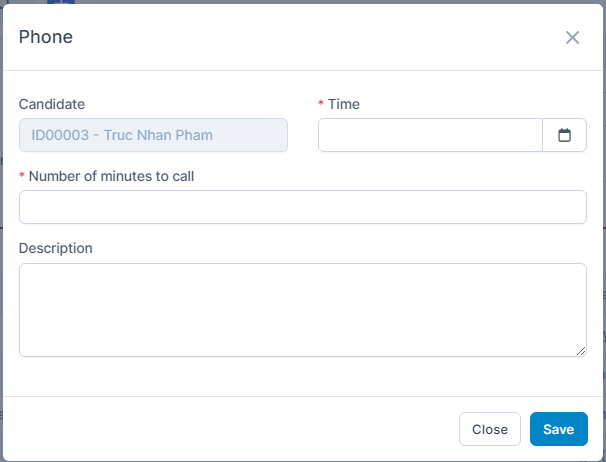
- Phone
- Test
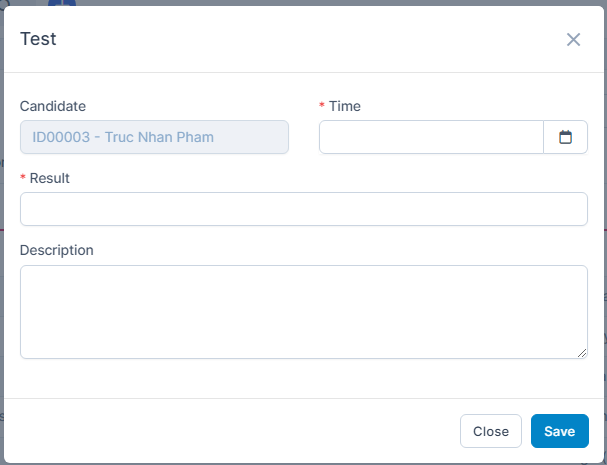
- Interview
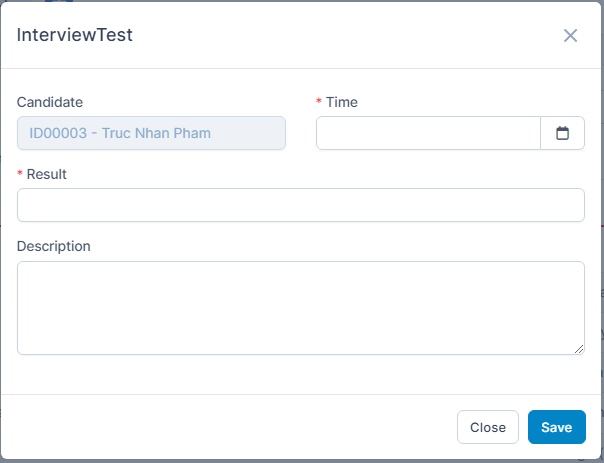
- Send mail
Search Knowledge Base Articles
Record candidate care results
Did you find this article useful?
Related Articles
-
Skill Setting
Skill to use for Job position Setting. Create Skill To create a skill: Step 1. Go to the... -
Industry list Setting
Industry to use for Job position Setting. Create Industry To create an industry: Step 1.... -
Job Position Setitng
Job position to use for Evaluation form, Plan and Campaign. Create Job Position To create a jo... -
Evaluation criteria Setting
Evaluation criteria to use for Evaluation form Setting. Create Evaluation criteria T... -
Evaluation form Setting
Evaluation form to use for Canidate Profile Create Evaluation form To create an evaluatio...