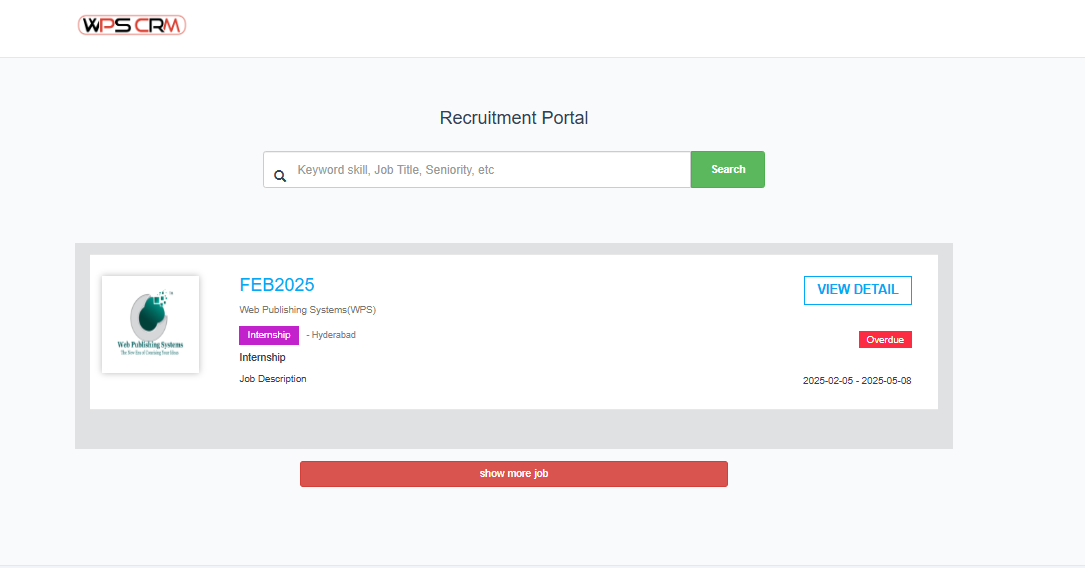
The data displayed in Recruitment Portal is taken from the Campaigns with In-progress status.
Campaigns that have expired recruitment will display Overdue status.
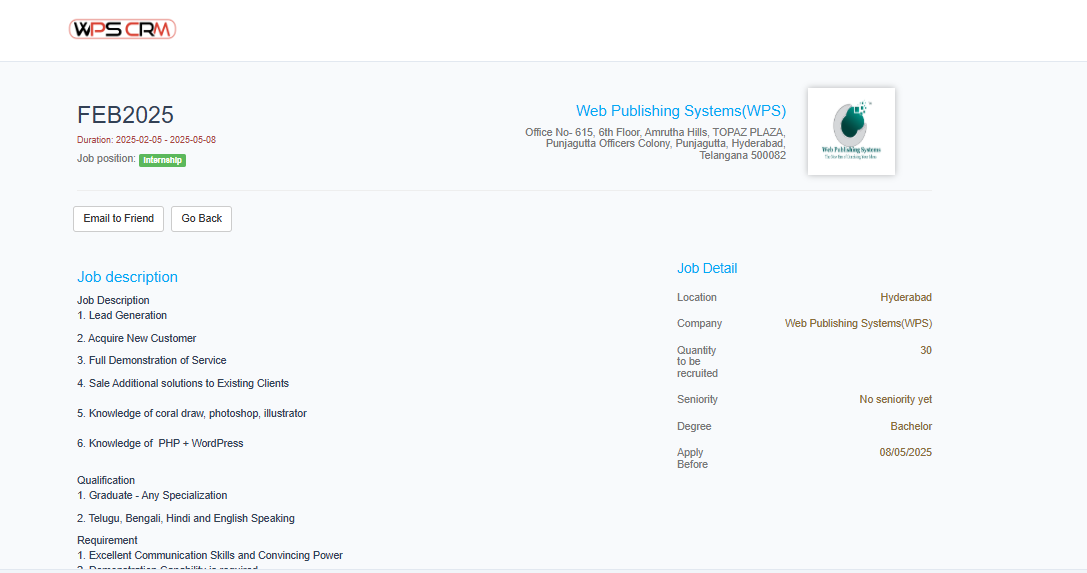
1. Apply to the job position
- Step 1. Go to Recruitment portal -> Click View Detail button.
- Step 2. Click Apply Now button
- Step 3. Fill in the application form and submit
Note:-
- When the candidate successfully submits the application, the information will be transferred to the Candidate Profile menu .
- Once the candidate has logged into the Recruitment Portal, then applied for the position, the system will automatically get the candidate's information to fill in the application form.
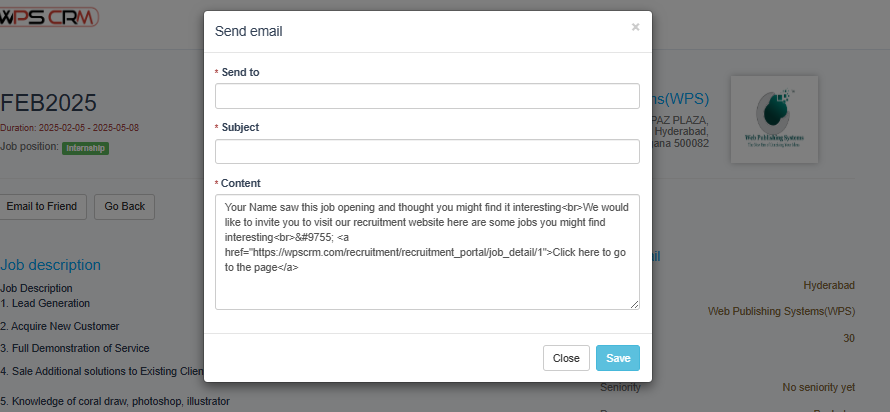
2. Email to Friend
-
- Step 1. Go to Recruitment portal -> Click View Detail button.
- Click Email to friend button
- Step 3. In the Send mail page, fill in the required details and click Save