Toggle navigation
Knowledge Base
Affiliate
Register
Login
Search Knowledge Base Articles
Search
Send mail to candidate
There are 2 ways to send email
Go to
Candidate Profile
menu -> click
Send mail
button -> In the
Send mail
page, fill in the required details:
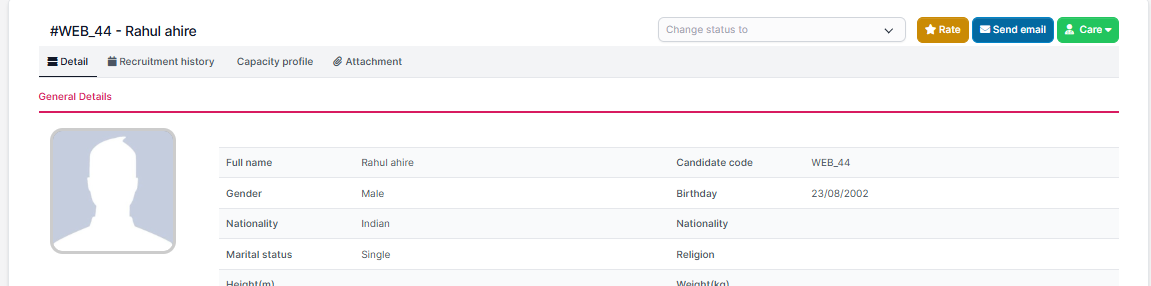
Or go to
candidate detail
-> click
Send mail
button
Did you find this article useful?
Yes
No
Related Articles
Skill Setting
Skill to use for Job position Setting. Create Skill To create a skill: Step 1. Go to the...
Industry list Setting
Industry to use for Job position Setting. Create Industry To create an industry: Step 1....
Job Position Setitng
Job position to use for Evaluation form, Plan and Campaign. Create Job Position To create a jo...
Evaluation criteria Setting
Evaluation criteria to use for Evaluation form Setting. Create Evaluation criteria T...
Evaluation form Setting
Evaluation form to use for Canidate Profile Create Evaluation form To create an evaluatio...