New Surveys

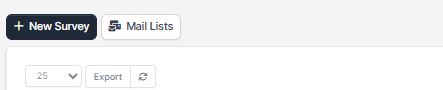
Navigate the the aside menu Utilities and click Surveys – > New Survey.
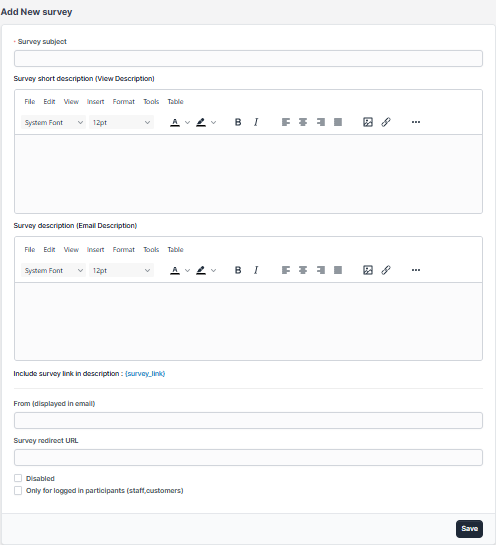
Populate the fields with basic data necessary for the survey then click on the submit button.
Did you find this article useful?

  • New Survey Questions

    With WPSCRM you can add new questions in a very simple way. After creating the survey on the right s...
  • Creating mail lists

    After you added the survey a new column will be shown. This is the part where you can send the surve...
  • Sending survey to mail lists

    If you are sending survey to custom added mail lists Only for logged in participants need to be unch...
  • Sending surveys

    To send a survey to mail lists, navigate to the survey edit area and on the right side, click on ...
  • Including mail list custom fields

    If you want to include custom fields in your email template from particular mail list you will need ...