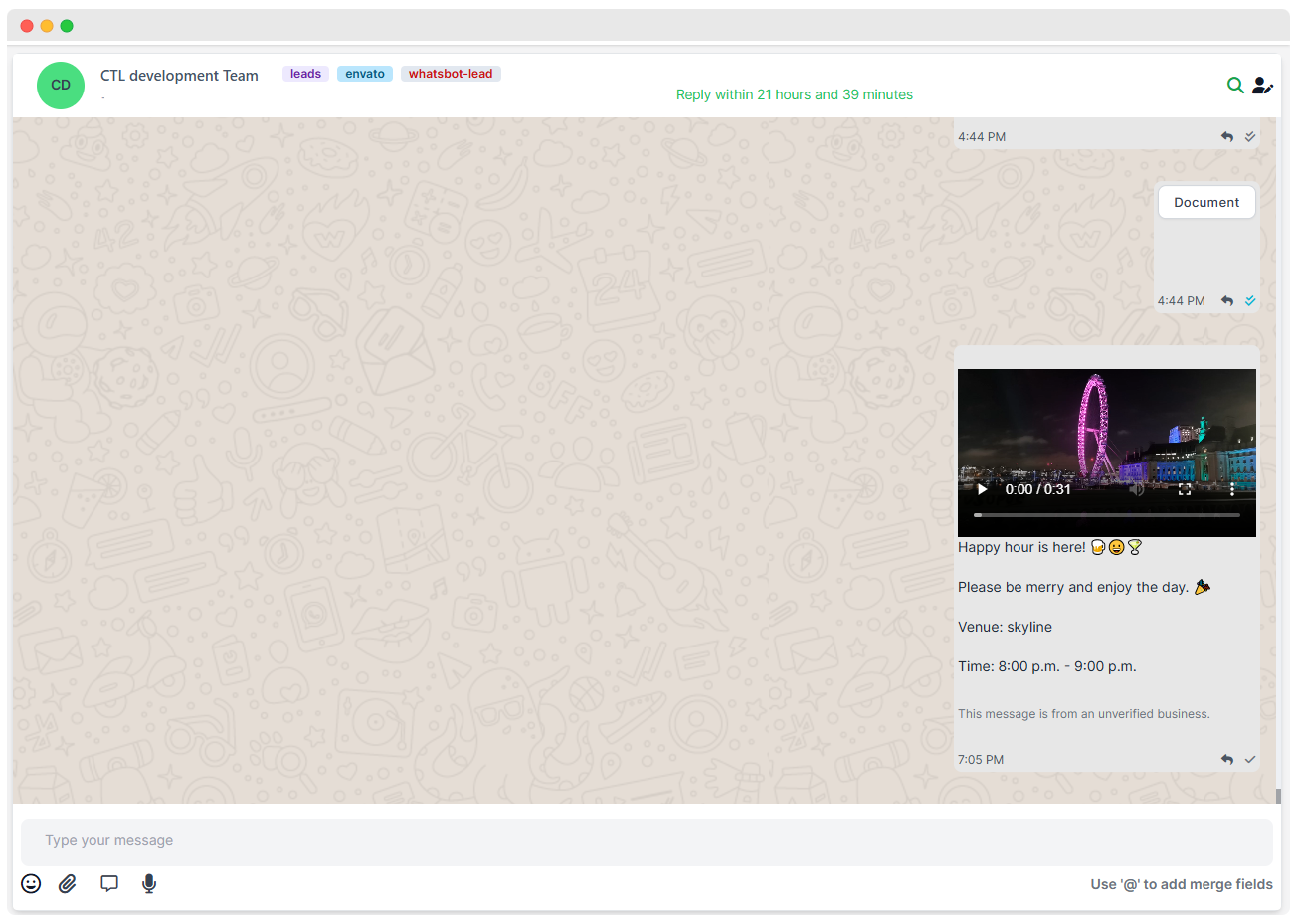
The Initiate Chat option allows you to directly send a WhatsApp template message to a lead from the system.
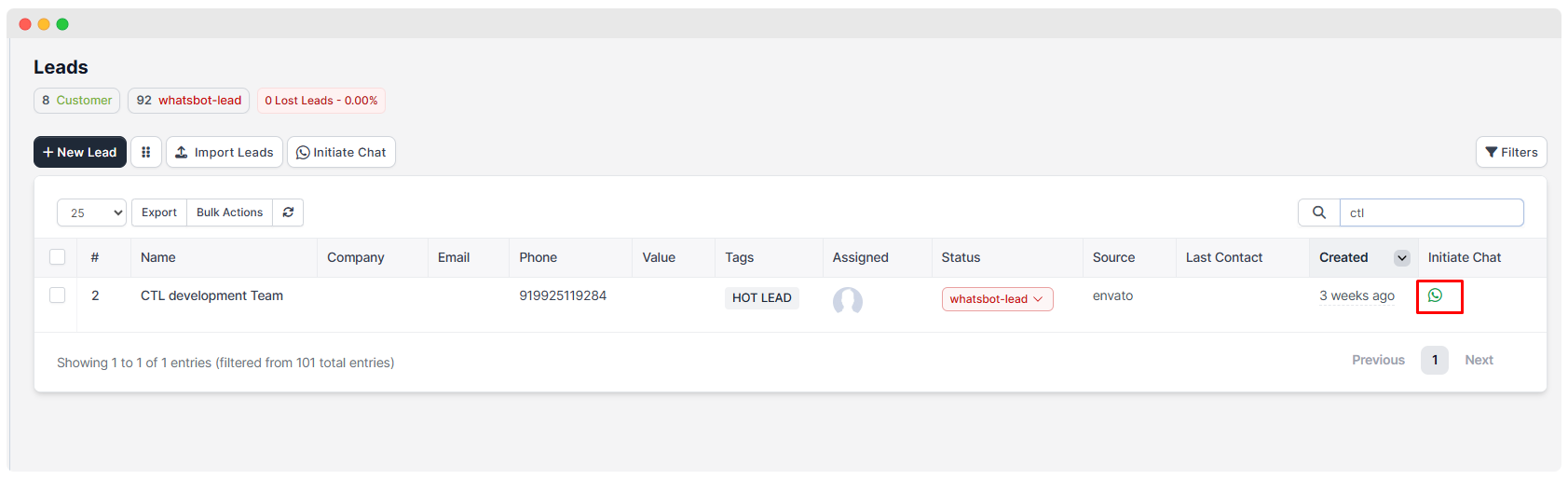
- You can access this feature from the Leads list by clicking the green WhatsApp icon under the Initiate Chat column next to the respective lead.
Select Template
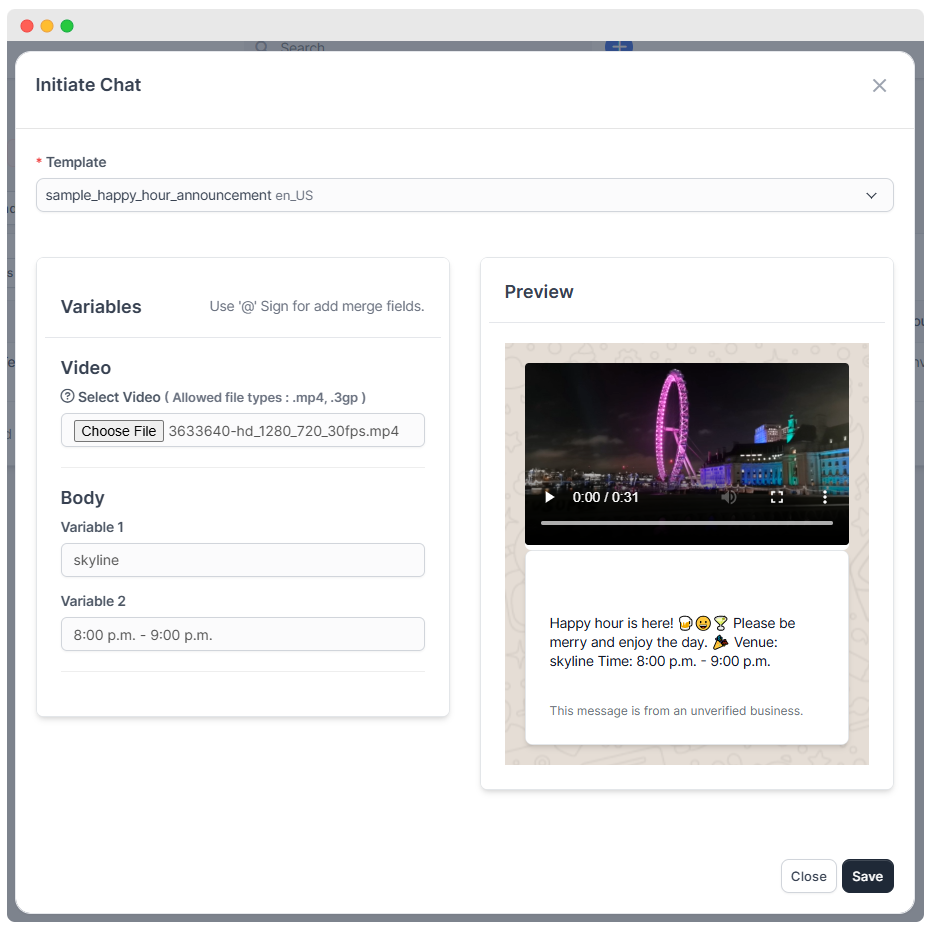
- Select a Template: Choose from your approved WhatsApp message templates.
- Attach Media (Optional): Upload a video file (.mp4, .3gp) to send along with your message.
- Fill Template Variables: Enter dynamic values for placeholders within the message template (e.g., venue name, timing).
- Live Preview: See a real-time preview of the message on the right before sending.
Preview (finally it will looks like this)