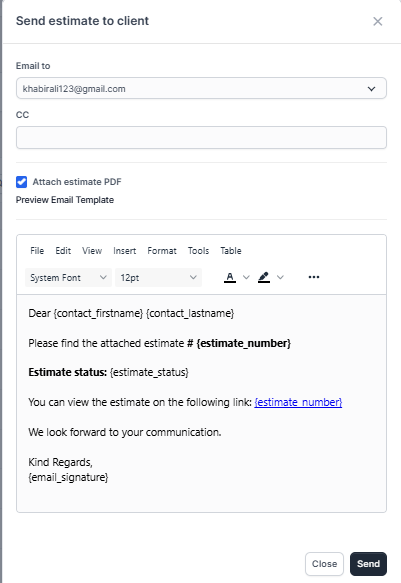
WPSCRM have option to send this estimate to customer which is related. Also the PDF estimate will be attached to the email. If you want to do not attach the PDF estimatae simple uncheck the checkbox Attach Estimate PDF
After sending the estimate to the customer if you want to send again the estimate there will be another email content. Becuase the initial estimate is already sent. Now the customer maybe want the estimate again and in all cases this content will be different. Go to Setup-> Email Templates -> Estimate Already Send to Client to edit the email content when sending the estimate to your customer for second time.
By default all contacts with permission estimate will be selected you can adjust to your needs.