Toggle navigation
Knowledge Base
Affiliate
Register
Login
Search Knowledge Base Articles
Search
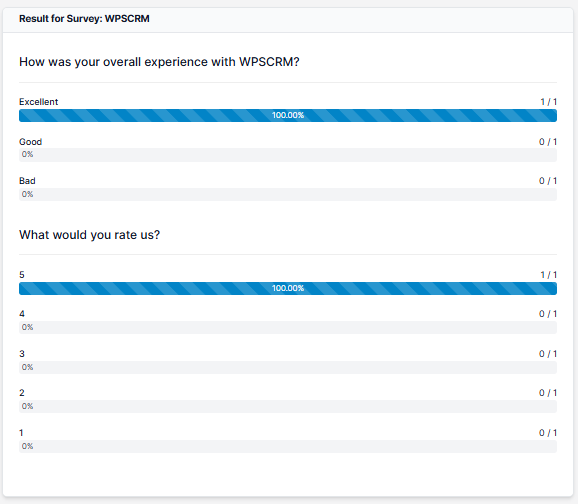
Viewing survey results
You can view your surveys results by clicking on view results
Did you find this article useful?
Yes
No
Related Articles
New Surveys
Navigate the the aside menu Utilities and click Surveys – > New Survey. Populate the ...
New Survey Questions
With WPSCRM you can add new questions in a very simple way. After creating the survey on the right s...
Creating mail lists
After you added the survey a new column will be shown. This is the part where you can send the surve...
Sending survey to mail lists
If you are sending survey to custom added mail lists Only for logged in participants need to be unch...
Sending surveys
To send a survey to mail lists, navigate to the survey edit area and on the right side, click on ...